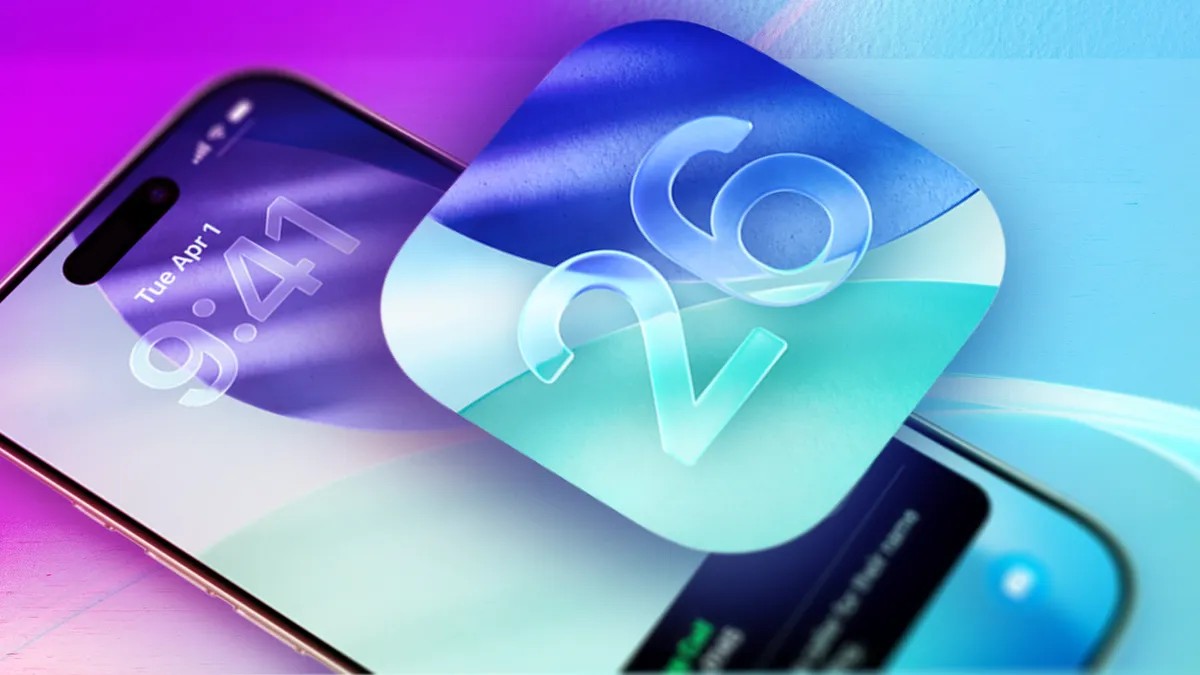
As the tech world anticipates the announcement of iOS 27 at the upcoming Worldwide Developers Conference (WWDC) in June, it is essential to review the transformative impact of iOS 26. Released in September 2025, this version represented one of the most significant shifts in the iPhone’s history, introducing both a radical new aesthetic and a suite of highly practical functional upgrades.
The “Liquid Glass” Revolution
The most striking change in iOS 26 is the introduction of Liquid Glass. This is the first major design overhaul since iOS 7 in 2013, moving away from previous visual paradigms to a new look characterized by:
– Enhanced Visual Clarity: New options for clear app icons and widgets.
– Customizable Aesthetics: Users have the flexibility to either embrace the high-gloss look or “dull” the effects to suit their personal preference.
– User Control: Recent updates have made it easier than ever to toggle these design elements to match your viewing environment.
Smart Communication and Privacy
Apple has significantly bolstered the iPhone’s ability to manage incoming data and protect user privacy through several key features:
Advanced Call and Text Management
- Call Screening: A powerful tool to identify and intercept spam calls before they reach you.
- Text Screening: Expanding beyond voice, the OS can now help filter unwanted text messages.
- Messaging Enhancements: The introduction of RCS (Rich Communication Services) with end-to-end encryption (noted in version 26.5) aims to bridge the gap between iPhone and Android users while maintaining security.
Privacy and Security Controls
- Safari Protection: New settings allow for heightened privacy while browsing.
- Location Privacy: Improved controls in the Maps app ensure that your visited places are not being logged without your consent.
- Parental Controls: Enhanced tools provide parents with more granular control over children’s screen time.
- Security Patches: Frequent updates (such as 26.2 and 26.3.1) have focused heavily on protecting devices from potential cyberattacks and improving background security.
Productivity and Lifestyle Upgrades
Beyond design and security, iOS 26 introduces several “quality of life” features designed to integrate more deeply into daily routines:
- Media & Entertainment:
- Apple Music: New features including AutoMix and Lyrics Translation.
- Video Podcasts: Expanded support within the ecosystem.
- AirPods Integration: You can now use your AirPods as a remote shutter to take photos.
- Utility & Tools:
- Adaptive Power: A new system designed to extend battery life by managing energy consumption more intelligently.
- Messages Polls: A simple way to settle group chat debates by creating polls directly in the app.
- AI News Summaries: Reintroduced to help users digest information quickly, though users should remain mindful of the AI’s processing nature.
Tips for a Smooth Transition
If you are currently upgrading or troubleshooting, keep these points in mind:
1. Battery Life: It is normal to experience faster battery drain immediately after installing iOS 26 as the system indexes files and optimizes background processes.
2. Compatibility: Always verify your specific iPhone model’s compatibility before attempting a download.
3. Maintenance: Keep an eye on software versions; incremental updates (like 26.4.1) are often released specifically to fix bugs or improve security.
Summary: iOS 26 marks a pivot point for Apple, combining a decade-defining design shift with sophisticated AI-driven communication tools and robust privacy protections.