


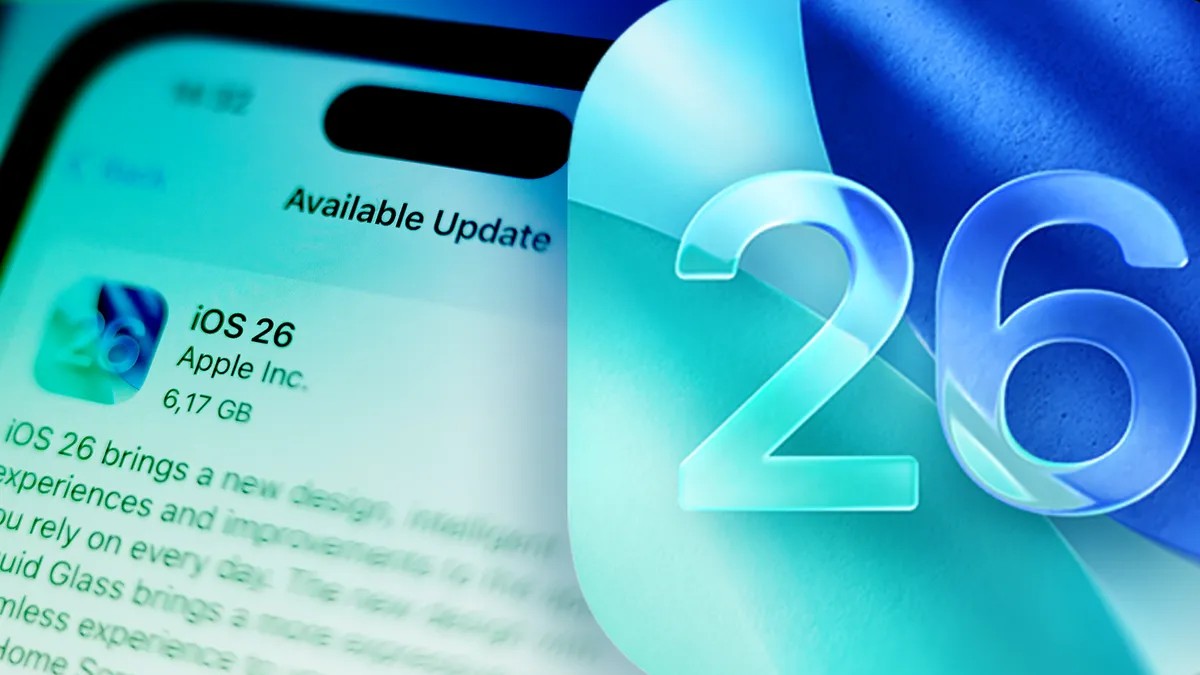
It’s almost fall.
Apple just announced iOS 27 at this year’s WWDC in June. Siri AI is coming. There’s a whole new layer of intelligence dropping onto compatible devices.
But we aren’t talking about iOS 27 yet.
Before the future arrives, it makes sense to look back at iOS 26. The system that changed everything. Visually speaking, at least. It arrived in September 2024… wait. 2025. Right. September 2025 brought call screening. It brought hidden features nobody bothered to look at.
But the big story was Liquid Glass.
“The first major design shift since iOS 7 in 20Did I just wait for a decade to get glass?”
It feels lighter. Translucent. Like Apple finally cleaned the kitchen. Since then? They’ve been patching it. Adding features. Tweaking the glass. Some updates fix bugs. Others make it easier to turn the new design off if it’s giving you a headache.
We gathered the noise here. You’ll know what to do with your iPhone.
The Update Trail
Things haven’t been quiet since September.
iOS 26.5 dropped end-to-end encrypted RCS messaging. That means texts work properly now. Android users won’t get the green bubble treatment in the worst possible way. Then came 26.5.1 fixing specific glitches on certain hardware. 26.4 added emoji and video podcasts.
Was 26.4 really just emoji? No. It also brought stability.
iOS 26.2? Download it if you hate attackers. It patches security holes. 26.3 added Studio Display support. You can now hook your phone to that fancy screen without feeling dumb. 26.1.1… actually 26.3.0… let’s stop with the version numbers for a second. They keep fixing privacy controls.
And iOS 26.6? Rumored small changes. Maybe nothing. Probably a tiny tweak you won’t notice until you look for it.
Liquid Glass & The Interface
You either love the new look or you’re actively hunting for a toggle to kill it.
Italicized emphasis: The setting exists.
In iOS 26.1, you can adjust how “glassy” the UI feels. Dull it down if it hurts your eyes. If you prefer clarity over aesthetic experimentation, Reduce Transparency has a new friend here. You can keep icons sharp. Keep widgets clean.
And yes, you can turn the slider alarm off. Everyone hated it. Apple heard you. Sort of. You can change the dismiss animation. It’s still a slider but maybe you won’t feel the same rage while swiping it at 6 AM.
Adaptive Power extends battery life by… existing? It’s in there. Turn it on.
Call Screening & Privacy
This isn’t just about visuals.
Call Screening lets the phone answer for you. Spam bots talk to AI while you pretend not to notice. But here’s the twist iOS 26 added later? Text screening. The bot sends a phishing link. The system blocks it before you see the preview.
“How often did you almost click a scam text this month?”
Too many times.
There are background chat options now. Boring grey? Maybe. But color exists if you’re into that. Group chats finally have polls. You don’t need to count emojis in your head anymore. Ask who wants sushi. Tap a button. Democracy works.
For Safari users. Enable Private Relay. It’s a privacy toggle. Turn it on if you value not being tracked. If you don’t. Do what you want.
Maps has a log of where you’ve been. You probably don’t want it to stay there. Check settings. Wipe it if it scares you.
The Little Tricks
AirPods can take photos now.
I know. It sounds weird. Hold the stem. Press and hold. It snaps. Good for selfies when your phone is propped against a coffee cup and you can’t reach the shutter button.
Camera cleaning alert.
Apple noticed people photograph smudges. There’s now a prompt. “Hey. Your lens is dirty.” It helps. If your lens actually is dirty.
Music got Lyrics Translation and AutoMix. Songs flow into each other without awkward fades. It’s nice. Until you’re singing along in French and the translation is completely wrong.
AI News Summaries returned. But with a warning label. Read it. Maybe skip the AI bit. Maybe trust it. Your choice.
Parents have more levers. Screen Time controls expanded. You can lock kids out of stuff. Or in. Depending on how tired you are of babysitting screens.
Getting It
Not everyone gets iOS 26 immediately. Or ever.
Check compatibility. Some older iPhones just say no. It’s harsh. It’s tech.
When you download it… battery drain is normal. For a few days. Indexing files. Setting up Liquid Glass. The phone heats up. Don’t panic. It settles down.
I tested this stuff for months. The glass isn’t the only thing changing. Underneath, it’s tighter. Smarter. Less forgiving.
What now?
Apple is already hyping iOS 27. AI is the word of the year again.
Maybe ignore the hype. Update to iOS 26 first. See how it feels. Live in the glass for a bit.
The phone is what you make it. Or maybe Apple makes it for you now. Either way, keep an eye on this page. I’ll add more when they inevitably drop another update.


